8 AWS Alternatives to Consider in 2026




#8 AWS Alternatives to Consider in 2026
Amazon Web Services (AWS) is still the biggest name in cloud infrastructure, holding roughly a third of the global market. It has size, global reach, and a huge catalog of services that make it the go-to choice for many organizations. That said, AWS is not the only way to run workloads in the cloud. In this article, we discuss different AWS alternatives by exploring their core features.
#Who are AWS competitors?
Four key competitors to AWS are Microsoft Azure, Google Cloud Platform (GCP), IBM Cloud, and Alibaba Cloud. Microsoft Azure offers extensive integration with Microsoft products, GCP is known for its data analytics and Kubernetes support, while IBM Cloud focuses on enterprise solutions. However, other mid-tier AWS competitors make good alternatives depending on their features and benefits.
#What are good alternatives to AWS?
AWS is not the only option when it comes to cloud hosting. Some teams want lower costs. Others prefer simpler platforms, or the need to keep data in certain regions. There are also companies that choose providers with clearer pricing or performance that feels more consistent.
Different types of alternatives exist. On one end, there are developer-friendly platforms like DigitalOcean, Akamai Cloud (Linode), Vultr, and Upcloud. In Europe, OVHcloud and Scaleway stand out. For enterprises, Microsoft Azure and Google Cloud bring scale and advanced services.
#What are some hyperscale cloud alternatives?
When considering AWS alternatives, there are also several different hosting types to explore. These include dedicated servers, offering predictable performance with no hidden costs, ideal for real-time applications, blockchain workloads, and resource-intensive databases.
Some other options include hybrid cloud combining on-premises infrastructure with public cloud resources, or colocation which involves renting space in a data center to house your own servers. In this article, we will focus on the different alternative providers.
#Key factors to consider when evaluating AWS alternatives
Here are the key factors to consider before going for an AWS alternative.
-
Pricing and transparency
This is usually the first thing people compare. AWS pricing can be complex, with hidden charges often showing up in bandwidth or data transfer. Some alternatives are simpler with flat monthly rates or clear usage tiers. If predictable bills matter, this is a key factor.
-
Performance
Not all workloads need the same power. A small web app is very different from a machine learning job or a large database. Some providers lean on developer-friendly VMs, while others focus on raw compute, fast storage, or GPUs. Matching the workload to the platform makes a big difference.
-
Compliance and data location
For regulated industries, keeping data in the right place is a must. Providers like OVHcloud, Scaleway, and UpCloud get picked because they keep data within Europe. Picking a provider that fits compliance rules avoids issues later.
-
Ecosystem and support
Some teams just need compute and storage. Others prefer a full stack of managed services, analytics, and enterprise support. Azure and Google Cloud stand out here. The right choice depends on how much you want to offload versus manage on your own.
No provider is perfect for everyone. The real choice comes down to your budget, the workloads you run, and where you want things to go long term.
#AWS alternatives: Comparison table
This table compares the leading AWS alternatives by core features and pricing details.
| Provider | Regions & zones | Entry VM | Egress (bundled + overage) | Managed K8s | GPUs | Support |
|---|---|---|---|---|---|---|
| DigitalOcean | 9 regions (NA, EU, APAC) | $4/mo: 1 vCPU / 512 MB RAM | 500 GB included, $0.01/GB after | Yes (DOKS) | NVIDIA L40S, RTX 6000, H100 | Tiered (Developer / Business / Premier) |
| Akamai Cloud (Linode) | 20+ regions, single-zone (NA, EU, APAC) | $5/mo: 1 vCPU / 1 GB RAM | 1 TB included (pooled), $0.005/GB after | Yes (LKE) | RTX 4000, RTX 6000 | 24×7 tickets; Managed add-on |
| Vultr | 32+ regions, single-zone (global) | $2.50/mo: 1 vCPU / 512 MB RAM | 500 GB included, $0.01/GB after | Yes (VKE) | NVIDIA A-/L-series | Ticket-based |
| UpCloud | 13 regions, single-zone (EU, US, Asia, Australia) | $3.50/mo: 1 vCPU / 1 GB RAM | 1 TB included; €0.01/GB | Yes (UKS) | NVIDIA L40S | Advanced & enterprise |
| Scaleway | 3 regions, multi-AZ (EU only) | €0.10/mo: 1 vCPU / 1 GB RAM | Unmetered VM traffic; Object storage: 75 GB free, then €0.01/GB | Yes (Kapsule) | H100, H200, L40S, MI300 | Standard & enterprise |
| OVHcloud | Multiple regions, mostly single-zone (EU, NA, APAC) | $6.57/mo: 1 vCPU / 2 GB RAM | Unlimited VM egress included | Yes | Public Cloud GPUs | Tiered (varies by offer) |
| Google Cloud Platform (GCP) | 42 regions / 127 zones, multi-AZ (global) | $6.1/mo: 1 vCPU / 1 GB RAM | 200 GiB free, $0.085/GB after (first 10 TB) | Yes (GKE) | T4, V100, A100, H100 | Tiered (Basic / Standard / Enhanced / Premium) |
| Microsoft Azure | 70+ regions, 126+ zones, multi-AZ (global) | ~$7.5/mo (Linux): 1 vCPU / 1 GB RAM | 100 GB free, $0.08/GB after (first 10 TB) | Yes (AKS) | T4, A10, A100, H100 | Tiered |
#Top AWS alternatives
Now we look at the main AWS alternatives, what they offer, how they price services, and where they run.
#DigitalOcean
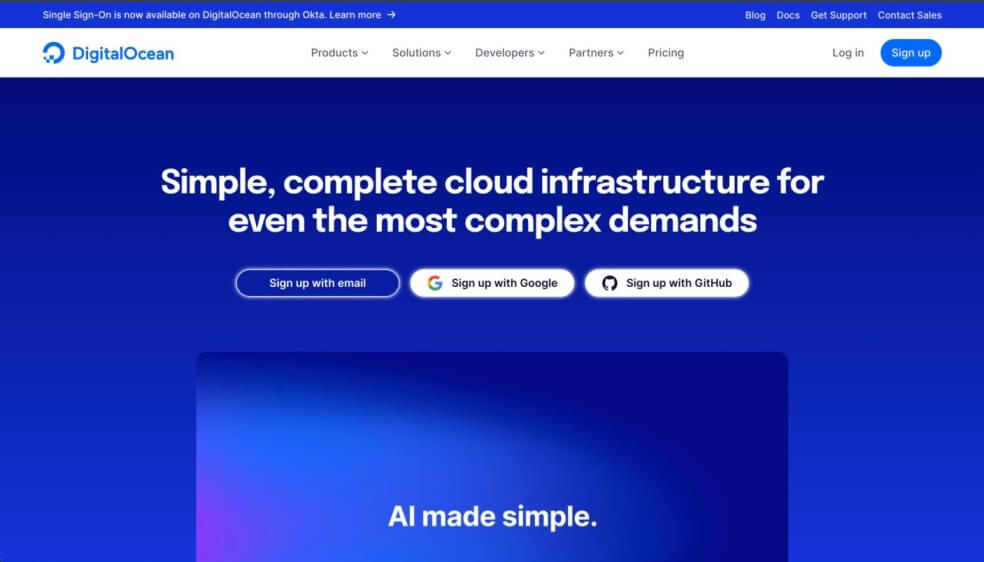
DigitalOcean is a developer-focused cloud with a simple and predictable setup. Its main products include Droplets (VMs), managed Kubernetes, databases, and object or block storage. The platform runs in 9 regions across North America, Europe, and Asia. Pricing is easy to follow, with bandwidth bundled into each VM and flat rates for overages.
#Key features
These are the core features most teams use on DigitalOcean.
-
Developer-friendly design: A clean dashboard, fast VM setup, and well-used docs make it approachable for small teams.
-
Droplets (VMs): Virtual machines come in shared or dedicated CPU types, and bandwidth is bundled in the plan to keep costs predictable.
-
Managed Kubernetes (DOKS): DigitalOcean provides a free control plane with support for autoscaling and built-in load balancing. Users only pay for worker nodes, keeping cluster costs easy to track.
-
Managed databases: PostgreSQL, MySQL, and MongoDB are offered as managed services, with automatic backups and built-in failover.
-
Storage: Block storage volumes scale up to 16 TB, while Spaces offers S3-compatible object storage with a built-in CDN.
#Pricing
Entry Droplet is $4/month ($0.00595/hr) for 1 vCPU, 512 MB RAM, 10 GB SSD, and 500 GB transfer. Extra egress is $0.01/GB (inbound and VPC traffic are free). Spaces is $5/month for 250 GB storage + 1 TB transfer.
#Best for
Small teams and startups that want simple VMs, managed Kubernetes or databases, and clear pricing. A good fit for web apps and APIs where ease of use matters more than a huge service catalog.
#Akamai Cloud (Linode)
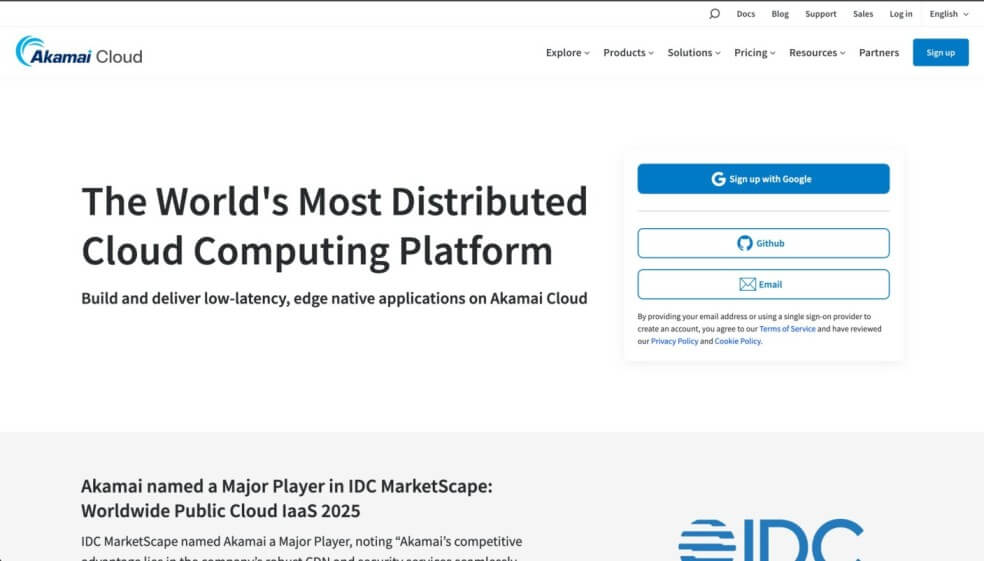
Akamai Cloud, built on Linode’s infrastructure, covers the basics: virtual machines, Kubernetes, databases, and storage, while leaning on Akamai’s global network for reach. It runs in 20+ regions across North America, Europe, Asia, and other markets. Pricing is hourly with monthly caps, and every plan comes with bundled bandwidth.
#Key features
Here are the features that stand out on Akamai Cloud (Linode).
-
Generous bandwidth: VMs include 1-20 TB of pooled transfer, with low overage fees of about $0.005/GB.
-
24x7 support: Phone, chat, and ticket support are included, with an optional Managed add-on for deeper monitoring.
-
GPU Linodes: NVIDIA RTX 4000 Ada and RTX 6000 available in select regions for AI and rendering workloads.
-
Enterprise Kubernetes: LKE offers optional HA and enterprise tiers with SLA-backed control planes.
-
Longview and backups: Longview monitoring and automated backups are available as add-ons.
#Pricing
Entry VM is $5/month (~$0.0075/hr) with 1 vCPU, 1 GB RAM, 25 GB SSD, and 1 TB transfer. Extra bandwidth is $0.005/GB. Object storage starts at $5/month for 250 GB + 1 TB transfer. GPUs like RTX 4000/6000 Ada are available from about $1/hour.
#Best for
Teams that want predictable pricing, pooled bandwidth, and 24x7 human support. A solid choice for transfer-heavy apps, databases, and Kubernetes clusters without the complexity of larger clouds.
#Vultr
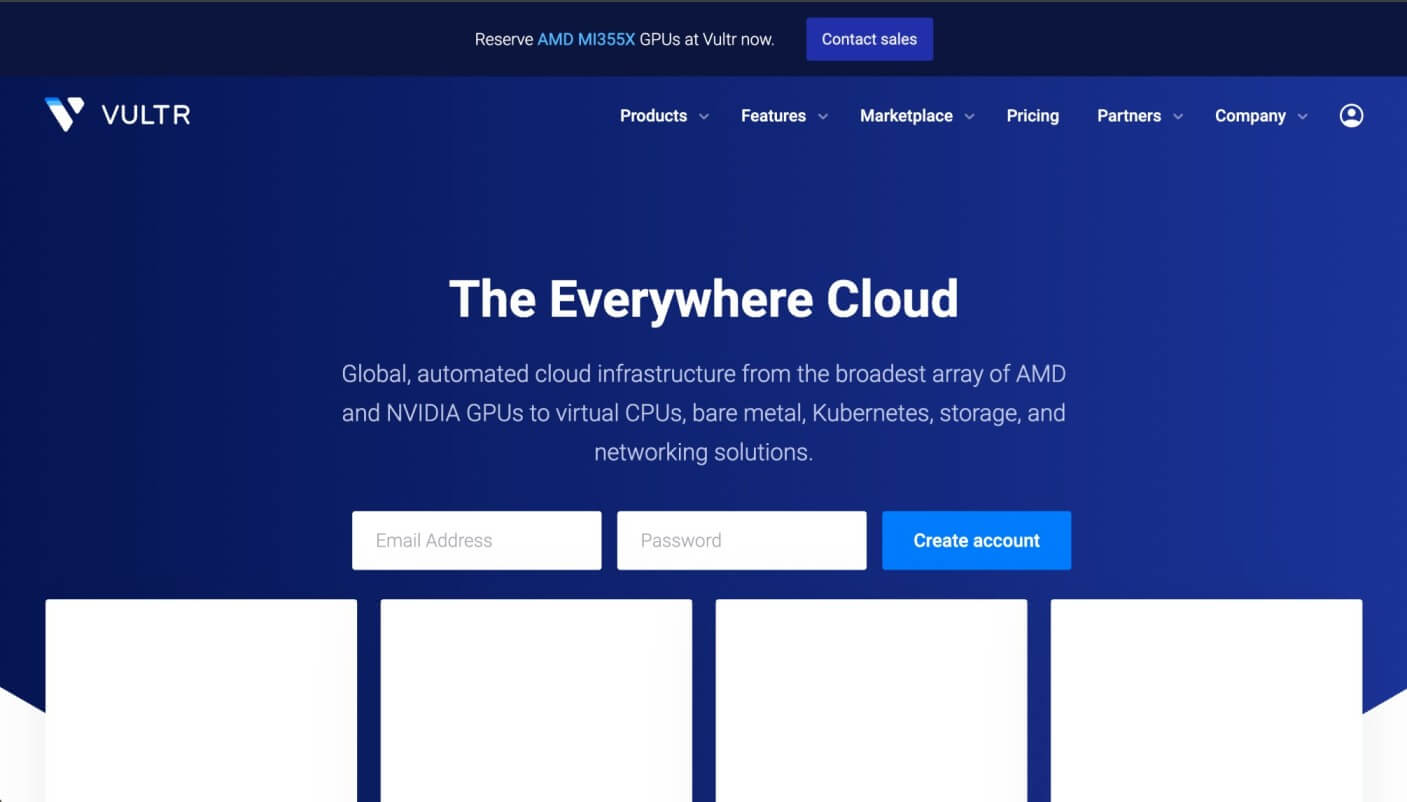
Vultr is a cloud platform built for developers, with data centers spread across many parts of the world. It offers compute instances, Kubernetes, storage, and networking services, all priced with hourly and monthly rates. Each plan includes bundled bandwidth, and overage costs are clear. Vultr runs 30+ data centers, with locations in North America, Europe, Asia, and even Australia.
#Key features
Here are a few features that stand out on Vultr.
-
High frequency compute: CPUs clocked over 3 GHz with NVMe storage; a good fit when single-thread speed matters.
-
Compute tiers: Vultr offers shared and dedicated CPUs, memory-heavy instances, and even bare metal. Each tier fits a different type of workload.
-
Object storage: S3-compatible storage offered in more than one tier so teams can match budget and speed.
-
Hybrid networking: Private links through Megaport and Console Connect help cut latency to on-prem systems.
-
GPU compute: NVIDIA A100 and L40S available in select regions for AI and other heavy workloads.
#Pricing
Entry VM is $2.50/month (~$0.004/hr) with 1 vCPU, 512 MB RAM, 10 GB SSD, and 500 GB transfer (IPv6-only). The IPv4 plan starts at $5/month. Extra bandwidth is $0.01/GB. Object storage is $5/month for 250 GB, and block storage is $0.10/GB. GPU options like NVIDIA A100 and L40S are billed hourly by model and region.
#Best for
Teams that need fast placement across 30+ regions and low-latency coverage. A practical option for global apps, CI or staging across geos, and short-term GPU bursts without long commitments.
#UpCloud

UpCloud is a European cloud provider based in Finland, with data centers in Europe, the United States, Asia, and Australia. It focuses on developer-friendly infrastructure with transparent pricing and strong performance, powered by its MaxIOPS storage technology. Services include virtual machines, block and object storage, private networking, and managed Kubernetes. Databases are run on cloud servers rather than being offered as a separate managed service.
#Key features
These are the features that define UpCloud.
-
Zero-cost egress: Every plan comes with outbound traffic included. Entry servers bundle around 1 TB, and if limits are passed, connections are throttled instead of billed, so costs stay predictable.
-
MaxIOPS storage: UpCloud uses its own high-speed SSD technology, designed for stronger performance than standard cloud disks.
-
Managed Kubernetes (UKS): A free control plane for small clusters, with a €60/month option for high availability in production setups. Worker nodes are billed at normal VM rates.
-
Developer tooling: REST API, CLI, Terraform, and Ansible support are built in. Servers also support hot-resizing of CPU and RAM without downtime.
-
EU-first footprint: UpCloud is based in Finland, with 13 data centers worldwide. It emphasizes GDPR compliance while giving global reach.
#Pricing
Entry plan is $3.50/month (~$0.0052/hr) for 1 vCPU, 1 GB RAM, and 10 GB SSD. Includes ~1 TB outbound transfer; no overage fees, traffic is throttled if limits are passed. Unlimited egress can be enabled at ~€0.01/GB. Managed Kubernetes is free for small clusters, with HA control plane at €60/month. GPU instances (NVIDIA L40S) are available.
#Best for
UpCloud is a good fit for teams that want predictable costs, thanks to bundled transfer and no egress fees. It works well for developer projects, EU-hosted workloads that need GDPR compliance, and clusters running on managed Kubernetes.
#Scaleway
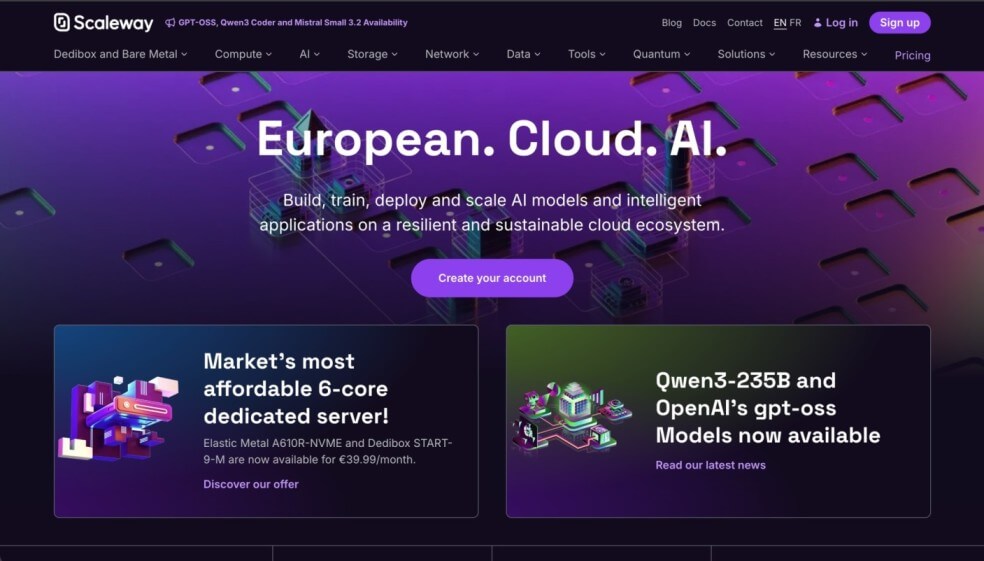
Scaleway is a European cloud provider with regions in Paris, Amsterdam, and Warsaw. It offers virtual machines, Kubernetes, databases, storage, and networking services, with hourly billing and monthly caps. VM traffic is unmetered, and the platform also provides GPU instances and Elastic Metal bare metal servers.
#Key features
These are the features that stand out on Scaleway.
-
Budget entry tier: Stardust instances start below €2 per month. They are a low-cost way to get basic compute without much overhead.
-
Autoscaling groups: Instances can grow or shrink behind load balancers. This setup helps clusters adjust when demand changes.
-
Specialized databases: Beyond PostgreSQL and MySQL, Scaleway also runs ClickHouse for analytics. Other options include queues and Spark for data-heavy tasks.
-
Inclusive bandwidth: Internet egress is bundled into pricing, so teams avoid surprise per-GB charges.
-
Sustainability focus: All regions run on renewable energy, with tools for tracking workload carbon footprints.
#Pricing
VM traffic is unmetered, limited only by port speed. Kubernetes control plane is free, with worker nodes billed at VM rates. Object storage is ~€0.015/GB per month with 75 GB free egress, then €0.01/GB. Block storage is ~€0.032/GB. IPv4 billed separately, IPv6 included.
#Best for
Workloads that need EU data residency with unmetered egress. A good fit for data-heavy apps, backups, and teams that value managed ClickHouse and carbon tracking tools.
#OVHcloud

OVHcloud is a French cloud provider that runs 44 data centers across four continents, connected through its own fiber network. It offers public cloud, private cloud, and bare metal servers, with billing by the hour and caps at monthly rates. Public cloud plans include VMs, Kubernetes, storage, and networking tools, with no hidden charges on outbound traffic.
#Key features
Key features of OVHcloud are listed below.
-
Global infrastructure: OVHcloud has 44 data centers across four continents, joined by a private fiber backbone.
-
Zero egress fees: Outbound traffic is free within quotas. This prevents surprise bandwidth charges.
-
Local Zones: Edge regions in key cities place compute and storage closer to end users.
-
Hardware independence: OVHcloud builds its own servers, which gives it more say over performance and cost.
-
European compliance: Certified under SecNumCloud 3.2 and ISO standards, suitable for regulated workloads in the EU.
#Pricing
Public cloud VMs are billed hourly with optional monthly caps, and outbound traffic is included. Object storage egress is $0.011/GB; block storage is tiered per-GB. Load balancers start at $0.0095/hr. Bare metal instances start around $0.545/hr, with traffic included.
#Best for
Organizations that need European compliance with global coverage and no egress fees inside quotas. A strong option for hybrid setups, bare metal plus cloud, and data-heavy projects.
#Google Cloud Platform (GCP)
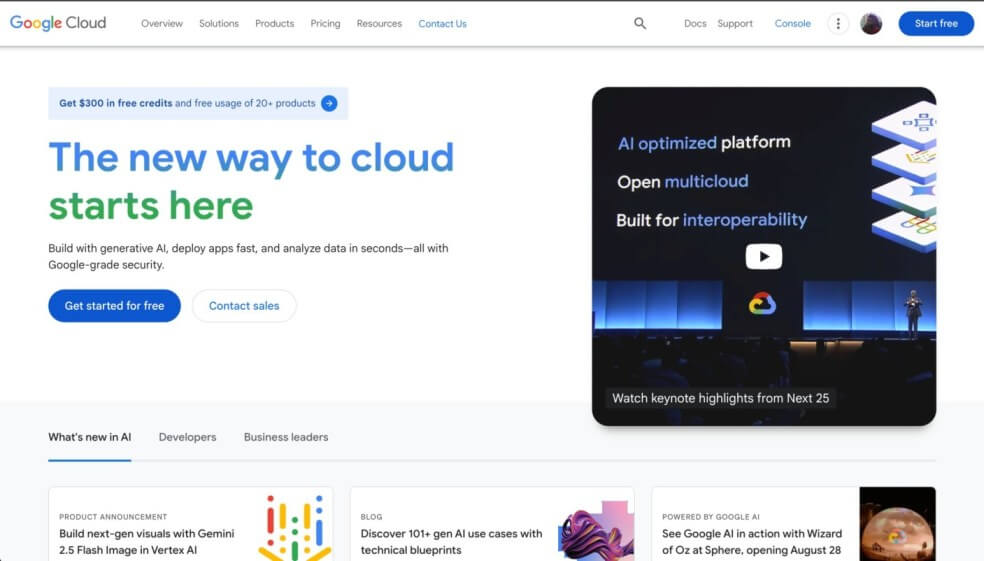
Google Cloud covers many areas, from compute and storage to networking and machine learning. It is active in more than 40 regions, and each region has zones for higher uptime. Pricing can be pay-as-you-go or discounted with spot and committed use options.
#Key features
Here are some of the main features of Google Cloud.
-
AI and ML ecosystem: Tools for building and running models are built in. Vertex AI and AutoML cover the workflow, and TPUs add extra compute.
-
Big data focus: BigQuery runs large queries, while Dataflow and Pub/Sub help process and move streaming data.
-
Per-second billing: Compute Engine charges by the second. This discounts for sustained workloads.
-
Global network: Runs on a backbone with 40+ regions and 120+ zones for reach and resilience.
-
Security controls: IAM handles identity, VPC Service Controls limit data movement, and Cloud Armor adds protection against attacks.
#Pricing
Entry VM (e2-micro) is in the always-free tier for one instance per month, or about $6/month on-demand. Outbound traffic includes 200 GiB free, then $0.085/GB. GKE adds $0.10/hr per cluster, usually offset by credits. Storage is billed by class and region, with persistent disks priced by size.
#Best for
Enterprises and research teams focused on AI, ML, and big data, with tools like Vertex AI, TPUs, and BigQuery. Also effective for managed Kubernetes (GKE) and per-second-billed compute.
#Microsoft Azure
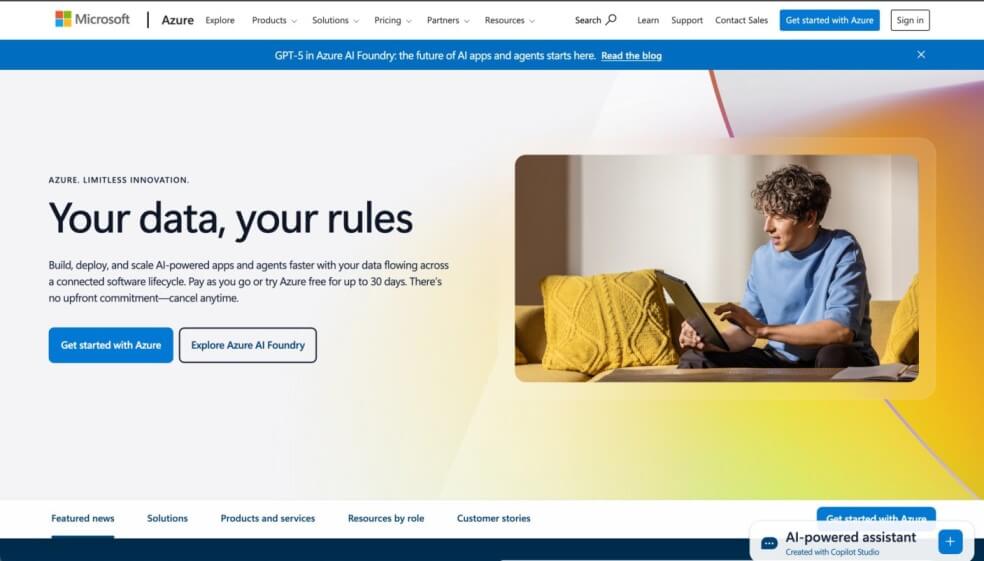
Microsoft Azure is a global cloud platform that spans compute, storage, databases, networking, and AI. It runs in 70+ regions worldwide, with availability zones in many locations. Billing is flexible, with pay-as-you-go, reserved capacity, and discount plans.
#Key features
These are the features that stand out on Azure.
-
Massive global scale: Azure operates in more than 70 regions and over 400 data centers, giving it a broad global footprint.
-
AI integration: Azure includes OpenAI, AI Search, and Vision services that teams can use to add AI features to applications.
-
Enterprise networking: Virtual Networks, ExpressRoute, and global traffic tools connect hybrid and multi-cloud workloads.
-
Breadth of services: Hundreds of options from databases to IoT and messaging cover nearly every enterprise use case.
-
Quantum and edge: Azure Quantum provides access to quantum hardware, and edge services place compute closer to users.
#Pricing
Entry VM (B1s burstable) is free for 12 months under the Azure free account (750 hrs/month). After that, it is about $7.5/month for Linux or $12/month for Windows. Outbound traffic includes 100 GB free, then $0.08/GB for the first 10 TB. AKS control plane is free, with Standard at $0.10/hr and Premium at $0.60/hr.
#Best for
Enterprises and public sector teams tied to Microsoft tools like Windows, SQL, or Active Directory. Well-suited for hybrid deployments with ExpressRoute and global apps running on AKS.
#Bare metal cloud as an alternative approach
Bare metal cloud is different from the public cloud providers we have covered. Instead of running on virtual machines, workloads run directly on physical servers. This means no virtualization overhead, more consistent performance, and full hardware control.
Pricing is usually simple—hourly or monthly per server, with traffic bundled or billed at flat rates. Providers like Cherry Servers, OVHcloud, Scaleway, and Vultr all offer bare metal options, giving teams a way to run dedicated hardware on demand without long-term contracts.
AWS, by contrast, is often criticized for its high egress charges. A recent Cloudflare analysis showed that AWS customers can pay many times more for outbound traffic compared to smaller providers, making bandwidth one of the biggest hidden costs in cloud infrastructure.
Bare metal can also deliver better performance because workloads run directly on dedicated hardware without a virtualization layer. This reduces latency and avoids the “noisy neighbor” problem where other tenants affect performance.
In some cases, it can also mean lower costs, since teams pay a flat rate for the whole server with bundled data transfer, instead of dealing with unpredictable usage-based fees. It is a good fit for high-performance databases, analytics, ML/AI and blockchain workloads, and real-time applications. Direct hardware access gives lower latency and faster response times, while dedicated resources mean no noisy neighbors and predictable performance.
Teams also gain higher customization, enhanced security, and more control over how workloads are tuned. Bare metal does not replace everything AWS does, but it offers another path for those who value control and cost stability over a large catalog of services.
#Conclusion
AWS remains the biggest name in cloud, but it is not the only way to run workloads. Teams choose alternatives for lower costs, simpler platforms, regional control, or specific features.
DigitalOcean, Akamai Cloud, Vultr, and UpCloud keep things developer-friendly. OVHcloud and Scaleway bring European hosting and compliance. Google Cloud and Azure serve larger enterprises. Dedicated bare metal cloud like Cherry Servers sits alongside these, offering direct hardware access, cost-efficiency, and better performance.
The best choice depends on what you need to run, how much you plan to spend, and where your data and services should live.


